

Kitchen Display System
Send orders straight from POS to the right kitchen station. Track preparation on screen and let service staff know when an order is ready.
Request a demo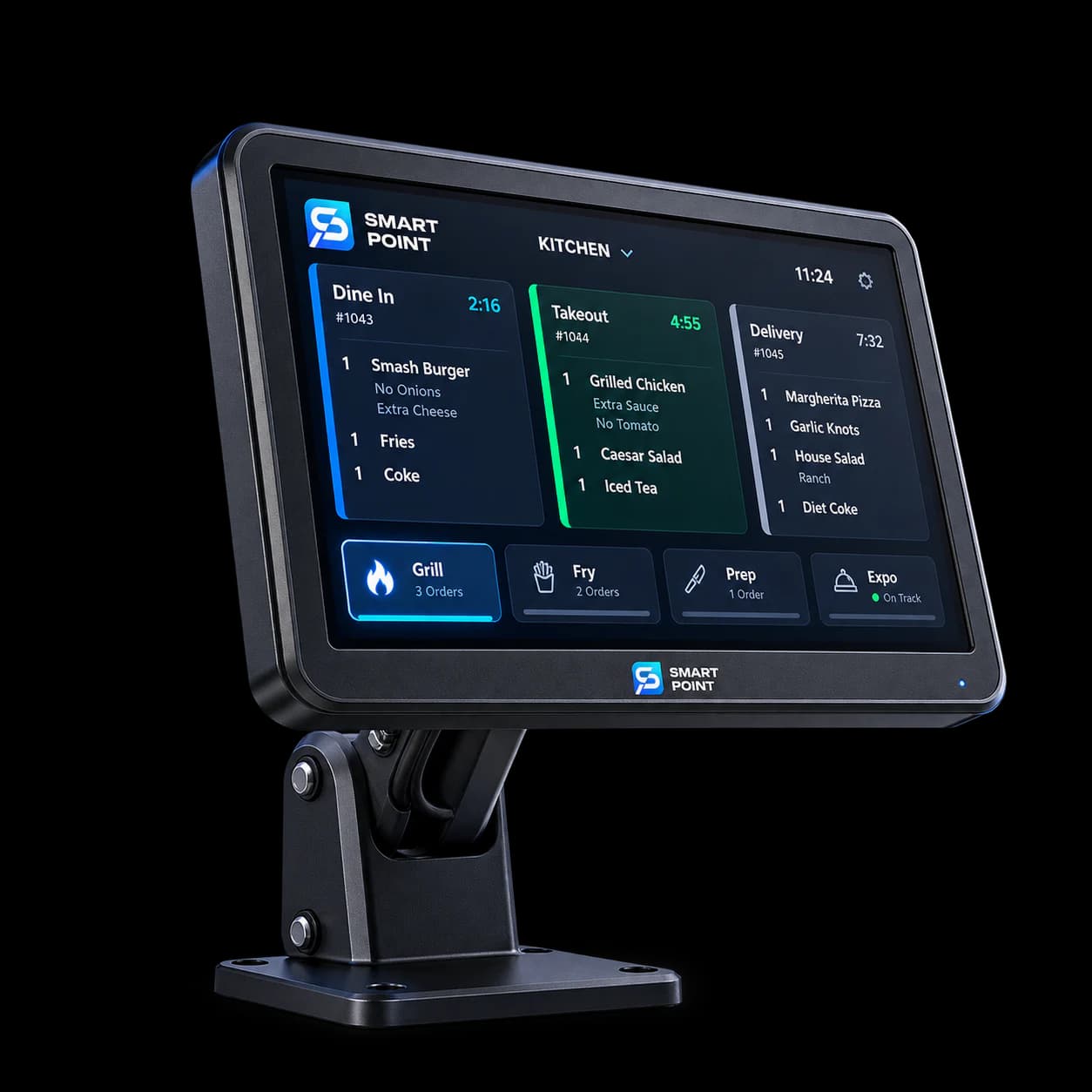
Features
What your kitchen can do with KDS
See orders as they arrive
New orders appear on the kitchen screen without waiting for a printed ticket.
Keep stations organised
Route orders to the right preparation station and see how long each ticket has been open.
Follow every item
Keep item details and modifications visible while the team prepares the order.
How It Works
From new order to ready for service
Follow each order through preparation so kitchen and service staff know its status.
Receive the order
Orders from connected ordering channels appear on the kitchen screen.
Prepare by station
Each station sees its items and updates them as preparation moves forward.
Mark it ready
When the order is complete, staff mark it ready for service or delivery.
Extend Your KDS
Connect the kitchen to every ordering channel
Bring orders into KDS from the tools your customers and staff use, then keep their preparation status visible.
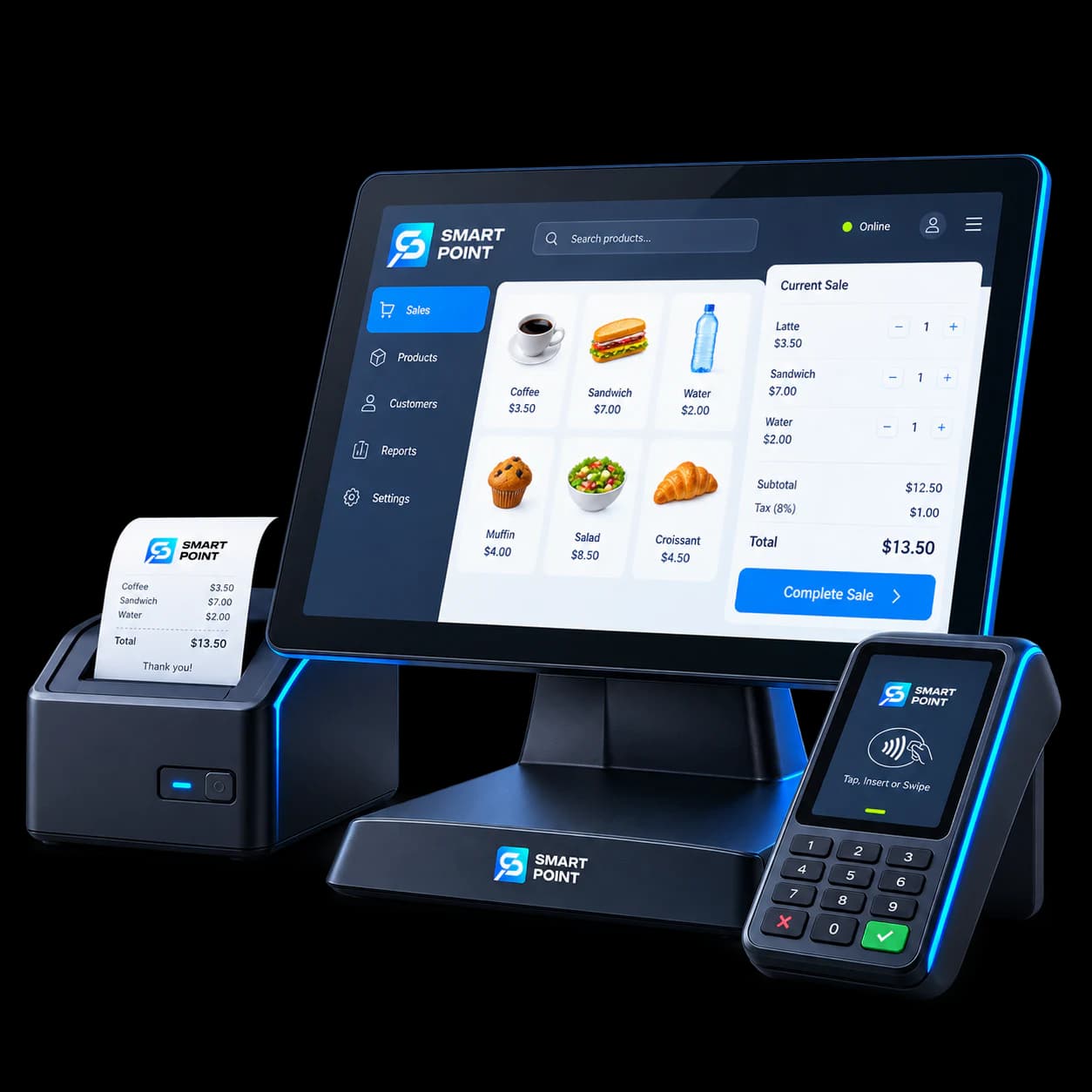
POS
Send counter and table orders to the kitchen.
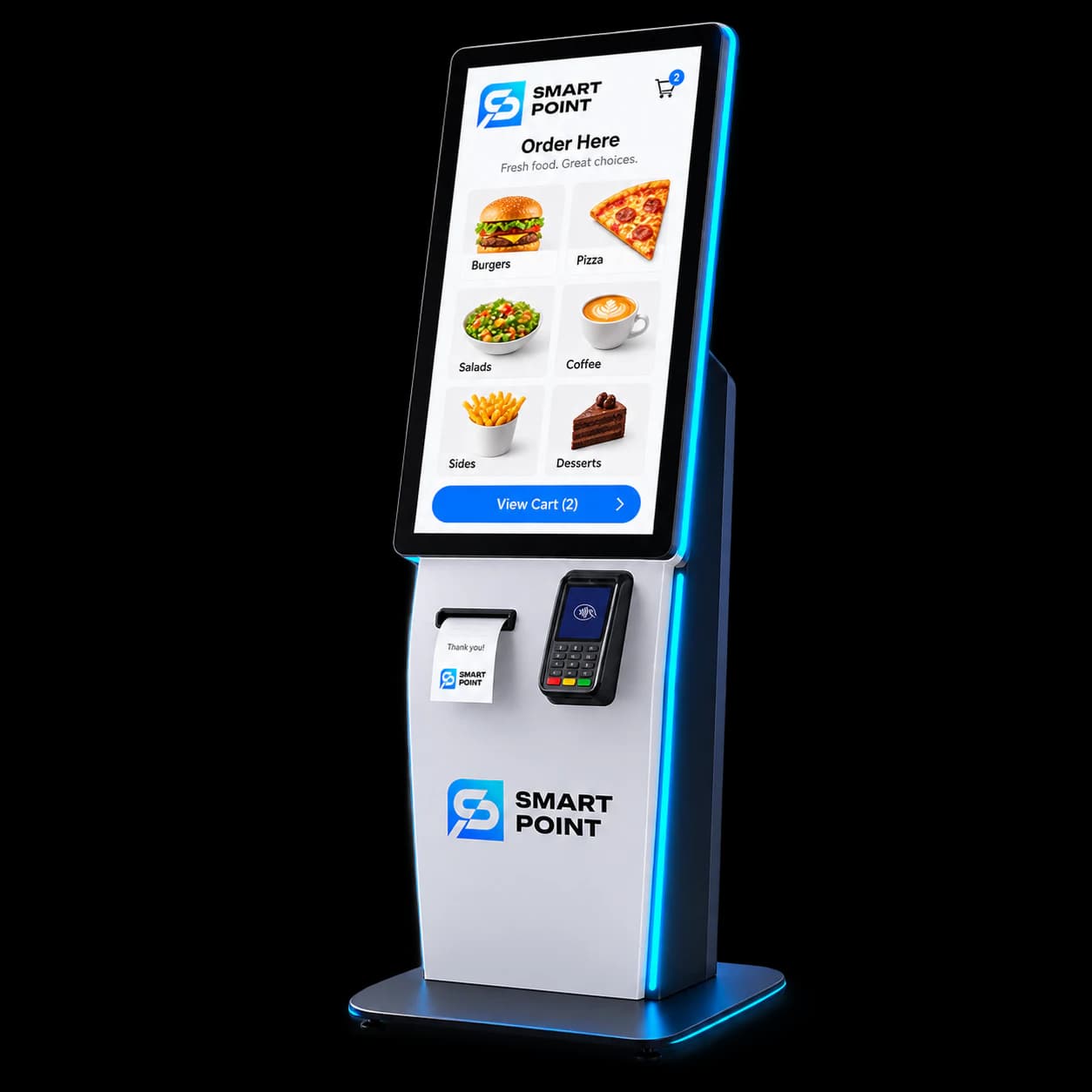
Kiosk
Send customer self-orders to the kitchen screen.
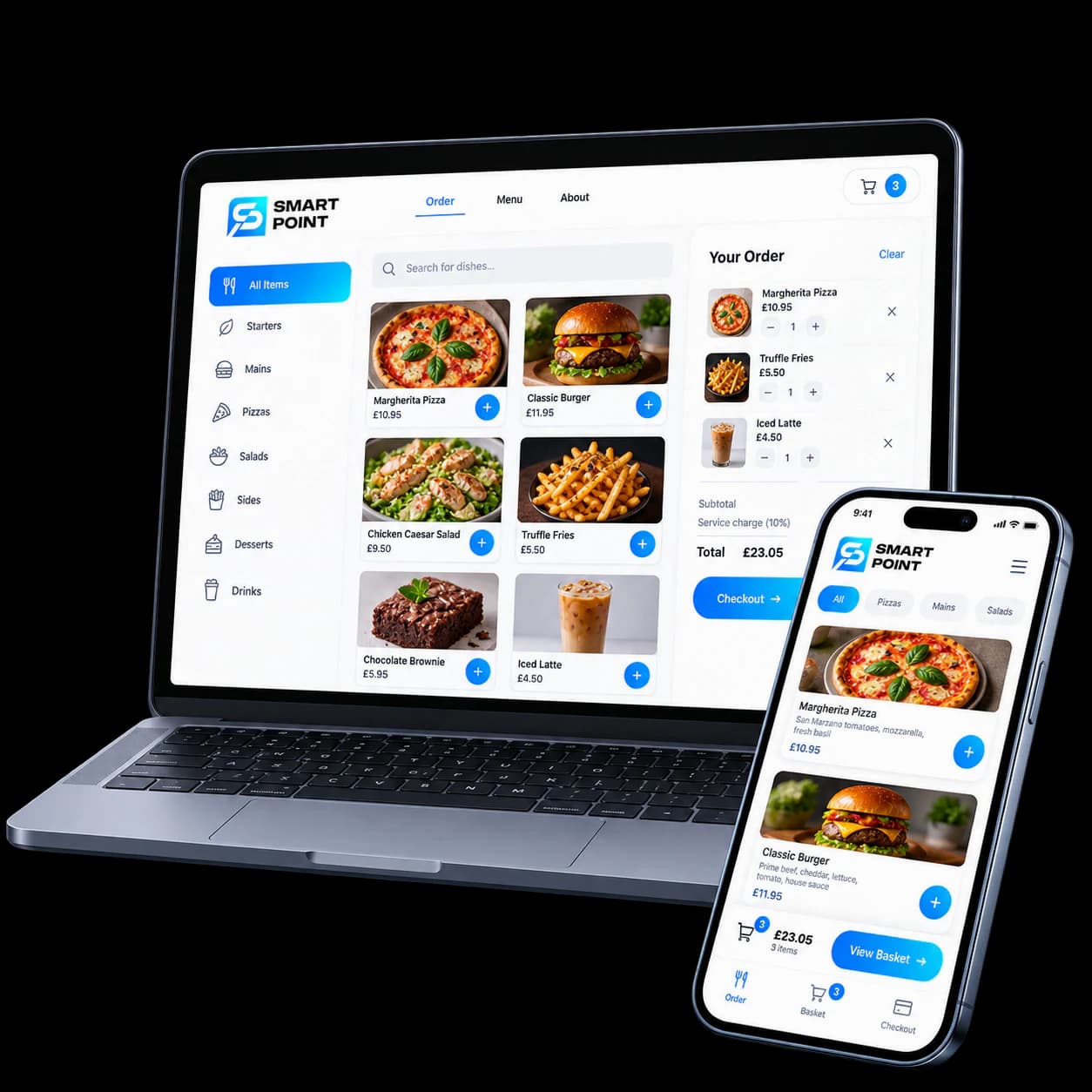
Online Ordering
Bring website orders into the preparation queue.
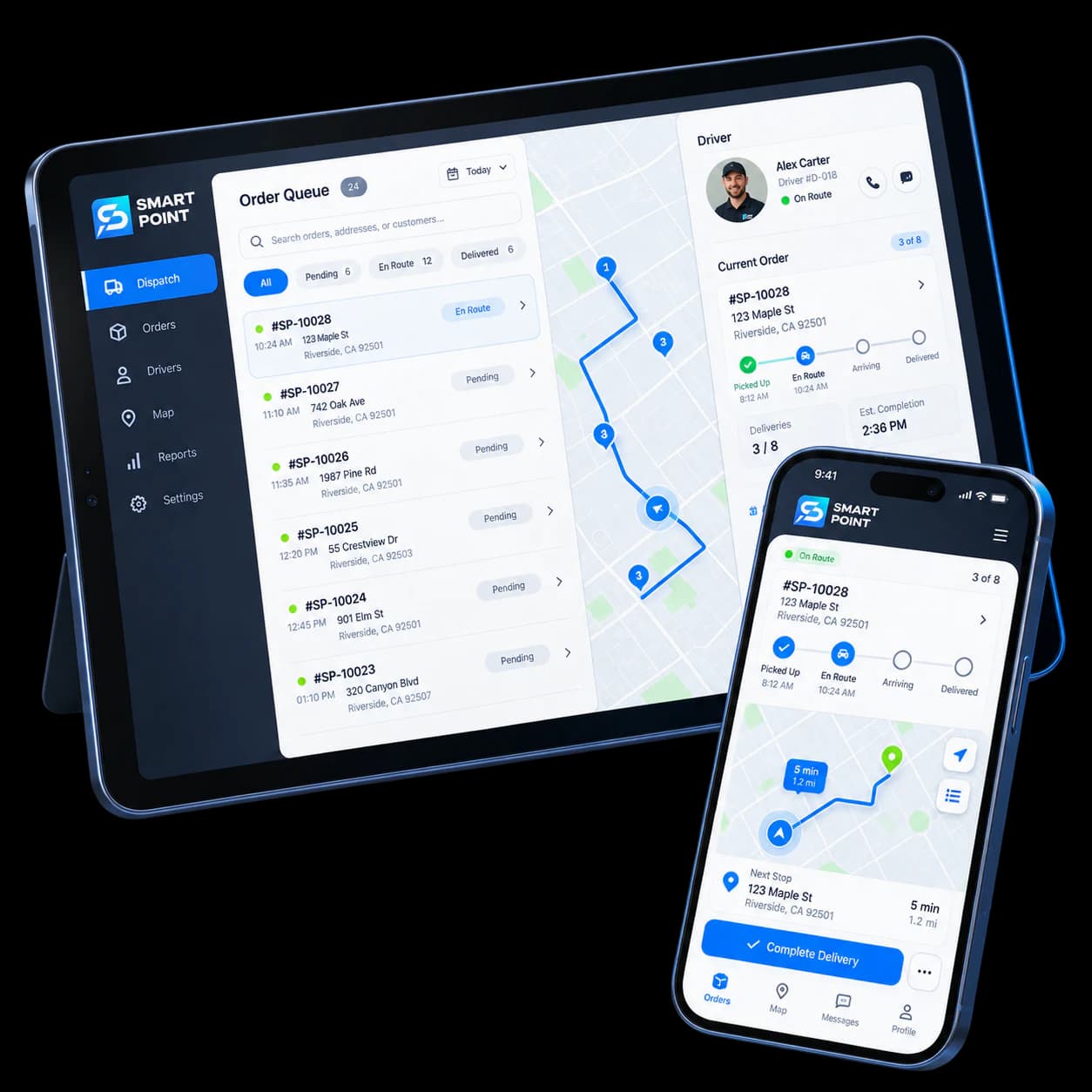
Delivery
See when an order is ready to hand over for delivery.
Get Started
See KDS in your kitchen workflow
Show us how orders move through your kitchen, and we’ll demonstrate how KDS can help your team follow them from arrival to ready.