

Delivery Management
Give drivers the order details they need for each trip, and follow delivery progress from pickup to completion.
Request a demo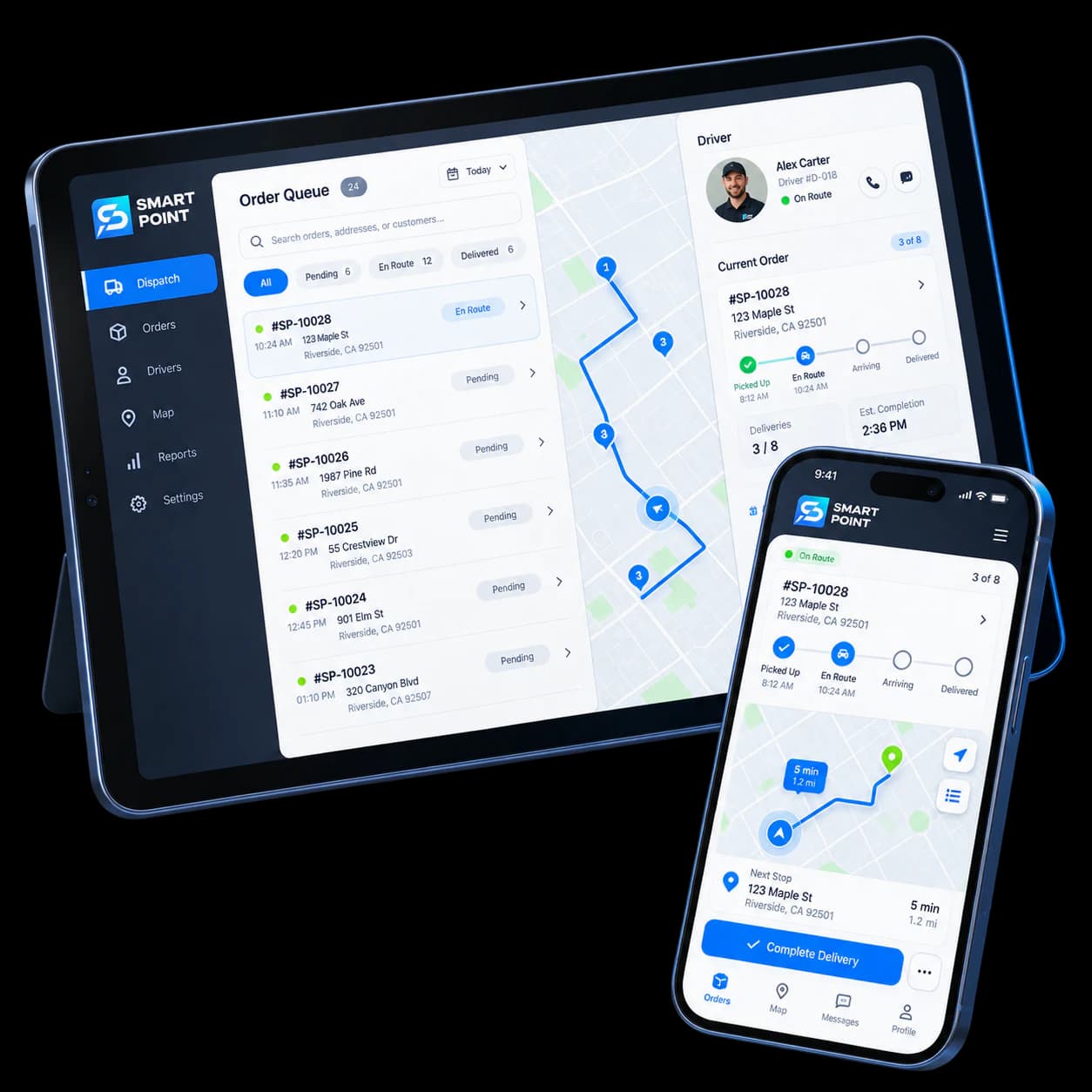
Features
Tools for every delivery trip
See assigned orders
Drivers find their upcoming deliveries and order details in one place.
Get the delivery details
Show the address and customer contact information attached to each order.
Update delivery progress
Move an order through pickup, on the way, and delivered statuses.
How It Works
From assigned order to completed delivery
Drivers see their assigned orders, collect them, and update progress as they deliver.
Receive an assignment
The driver sees the order and delivery details in the app.
Collect and head out
The driver picks up the order and marks it on the way.
Complete the delivery
The driver updates the order status when it reaches the customer.
Extend Your Delivery
Connect drivers to the orders ready to go
Bring orders from your sales channels through preparation and dispatch, then hand them to your delivery team.
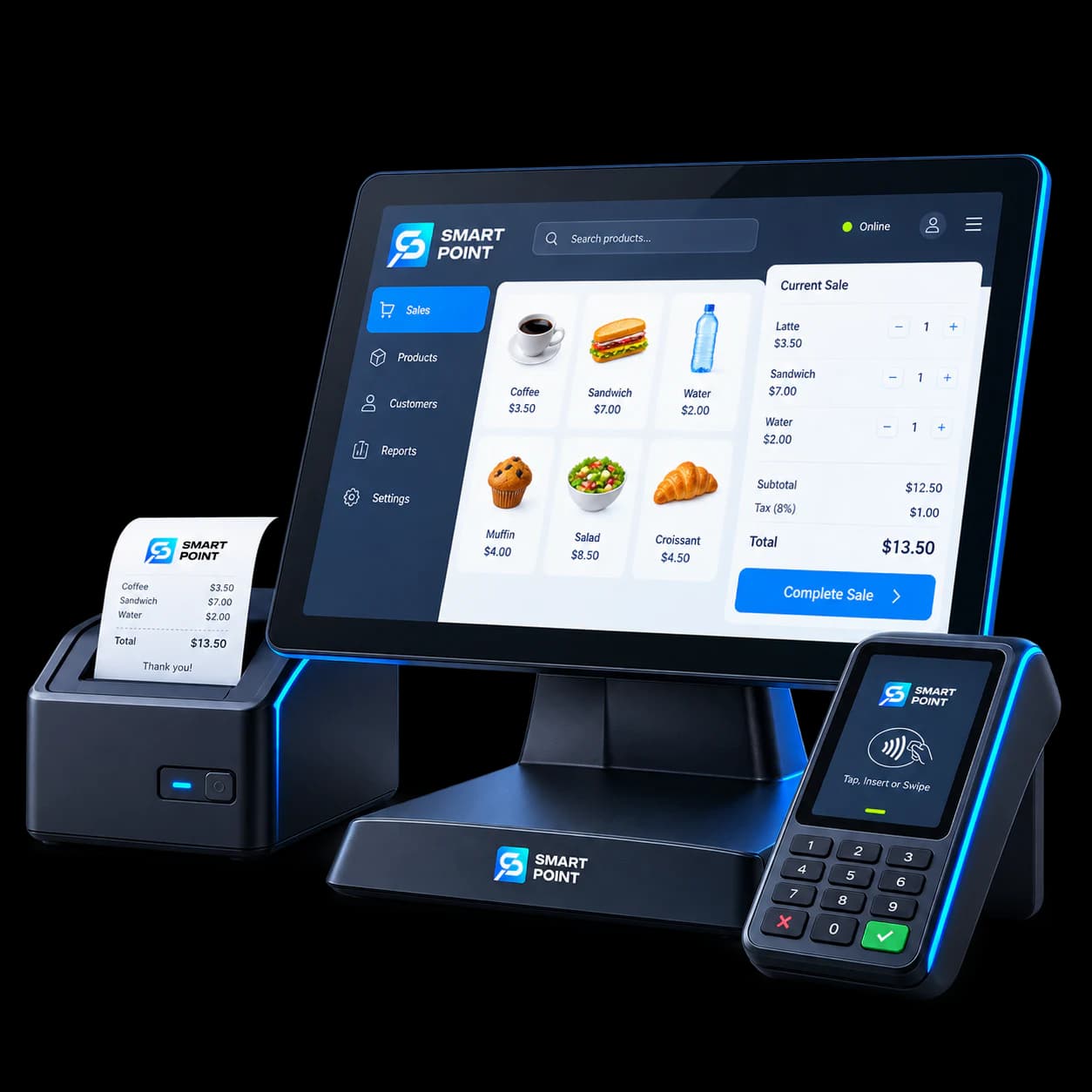
POS
Keep delivery orders with the sales your team manages.
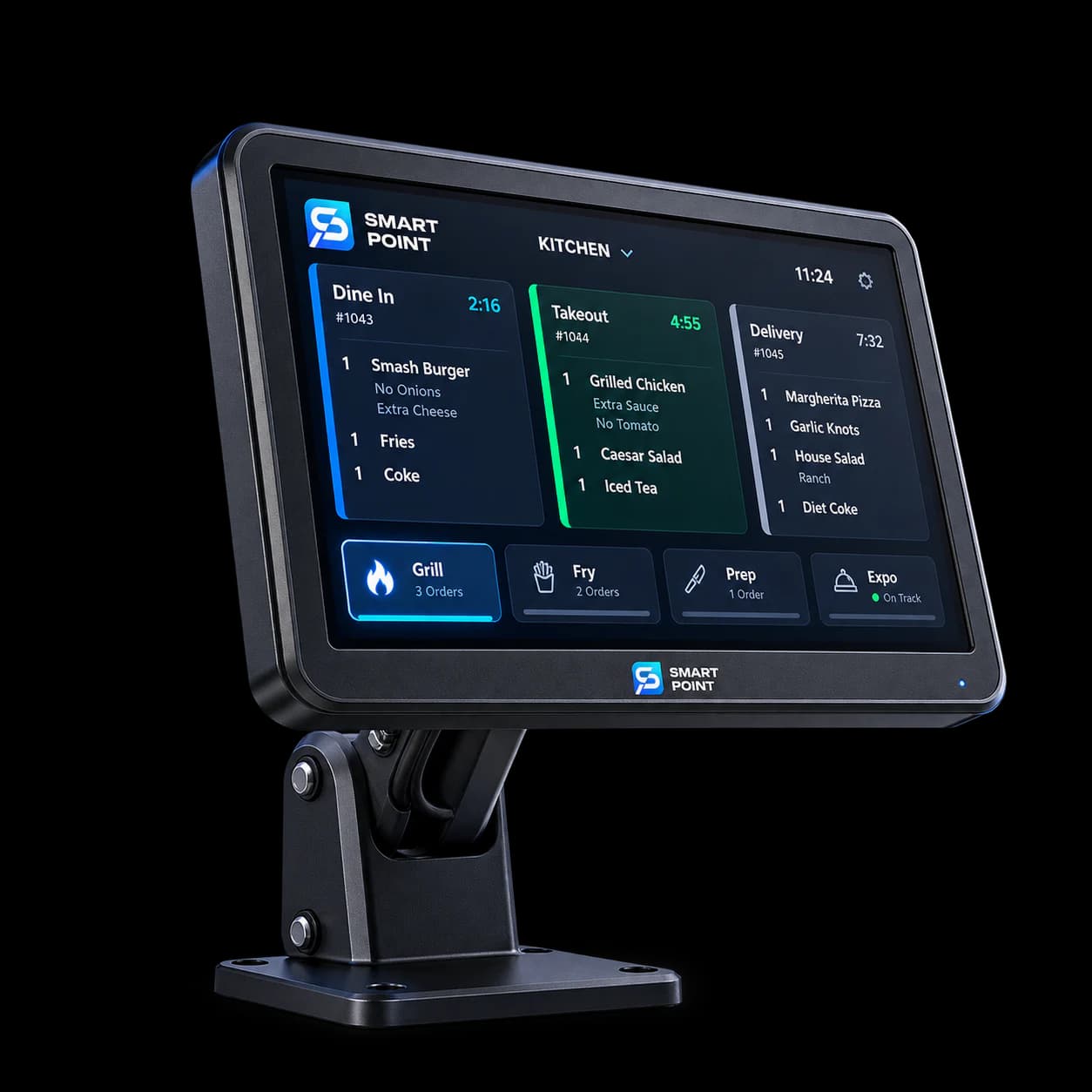
KDS
See when food orders are ready for pickup.
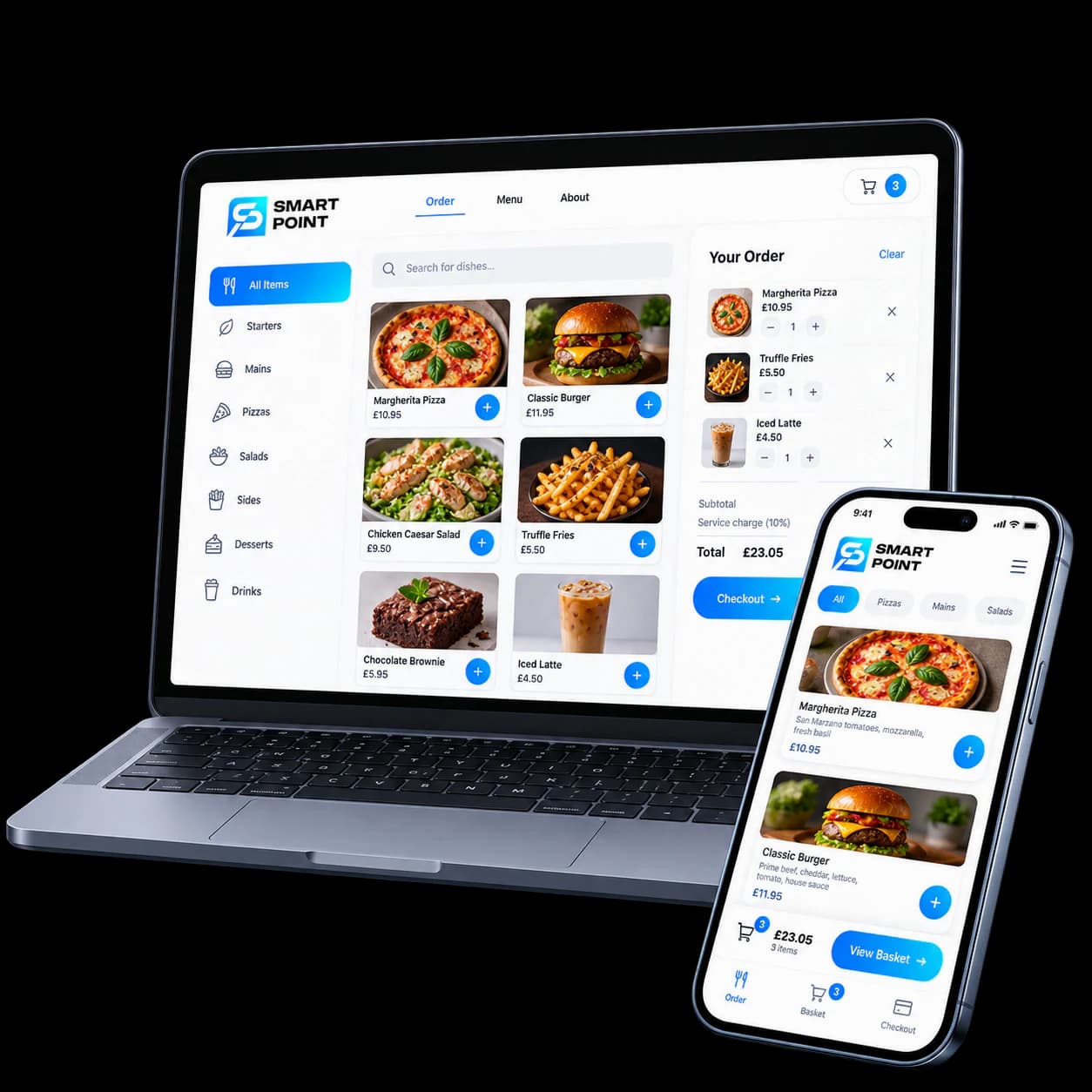
Online Ordering
Receive delivery orders from your website.
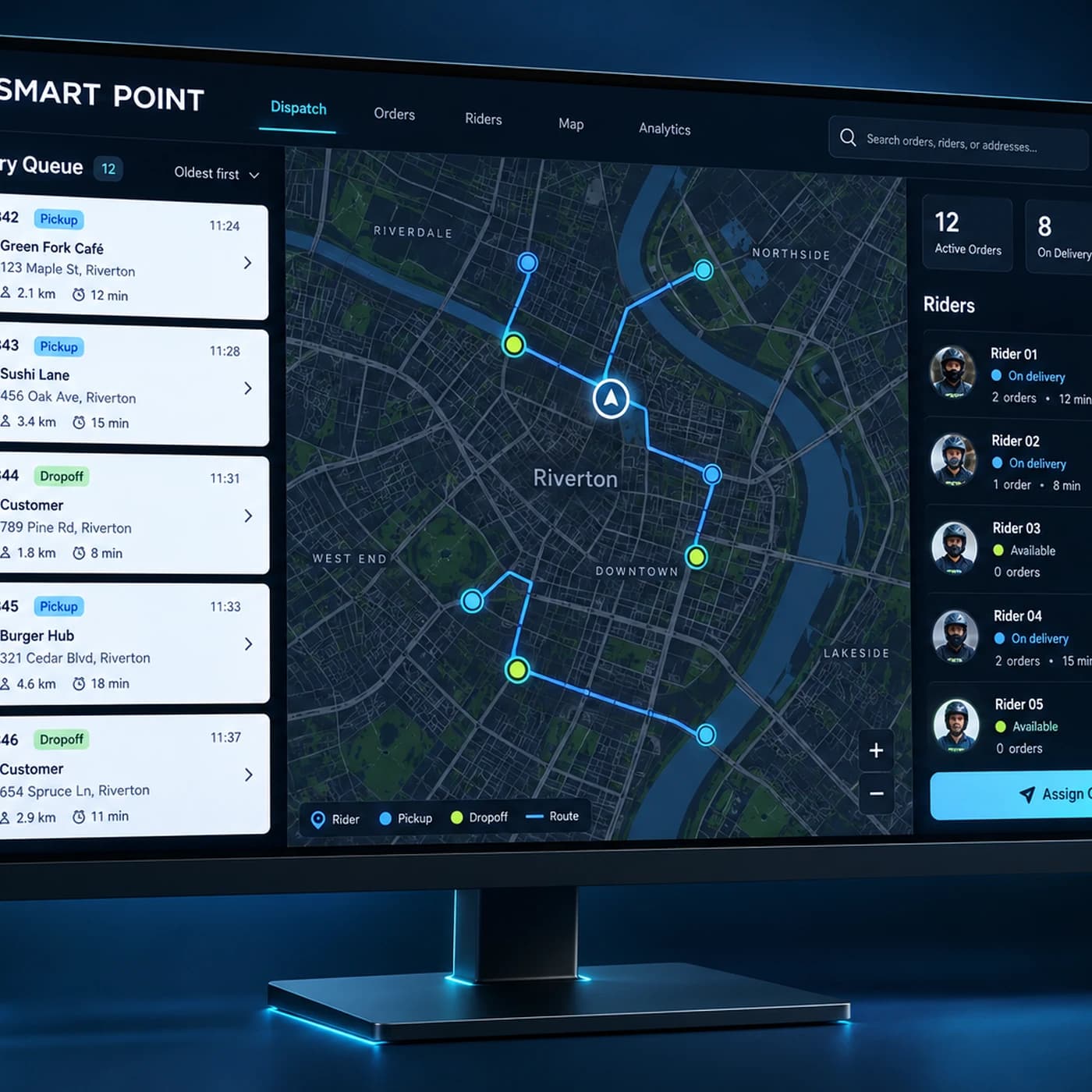
Dispatcher
Assign orders to drivers and follow delivery progress.
Get Started
Give your drivers a clearer way to deliver
See how drivers receive order details, update progress, and complete deliveries in the app.